
Discover a whole new way to interact with Alfred, using beautiful rich and interactive views.
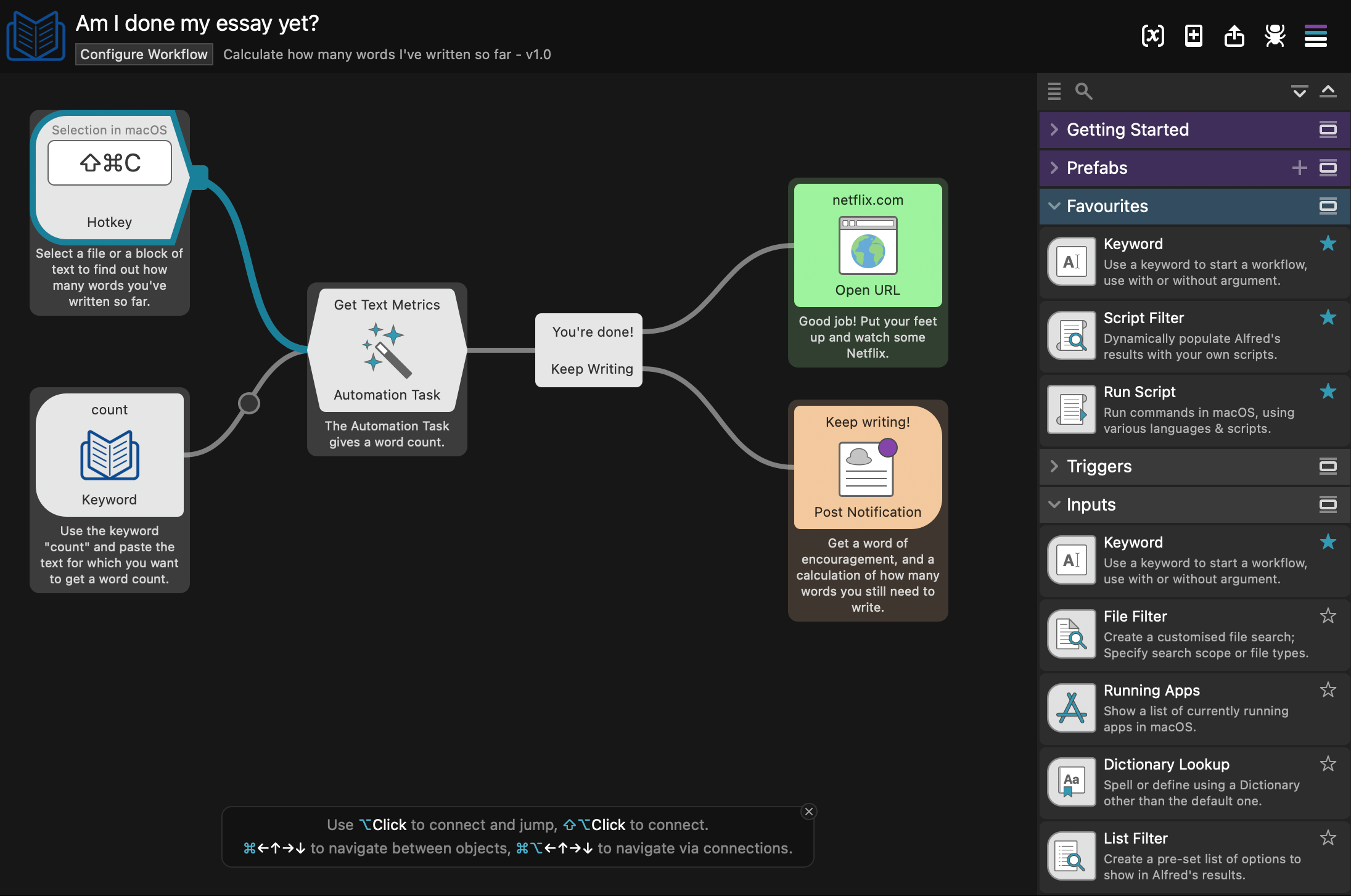
Whether you're a newcomer or an experienced Alfred user, there are endless ways to boost your productivity with workflows.
Alfred 5's incredible range of Workflow Objects and Automation Tasks make it possible for you to automate repetitive and laborious tasks. The Workflow Editor is now higher performance, more user-friendly and accessible than ever!
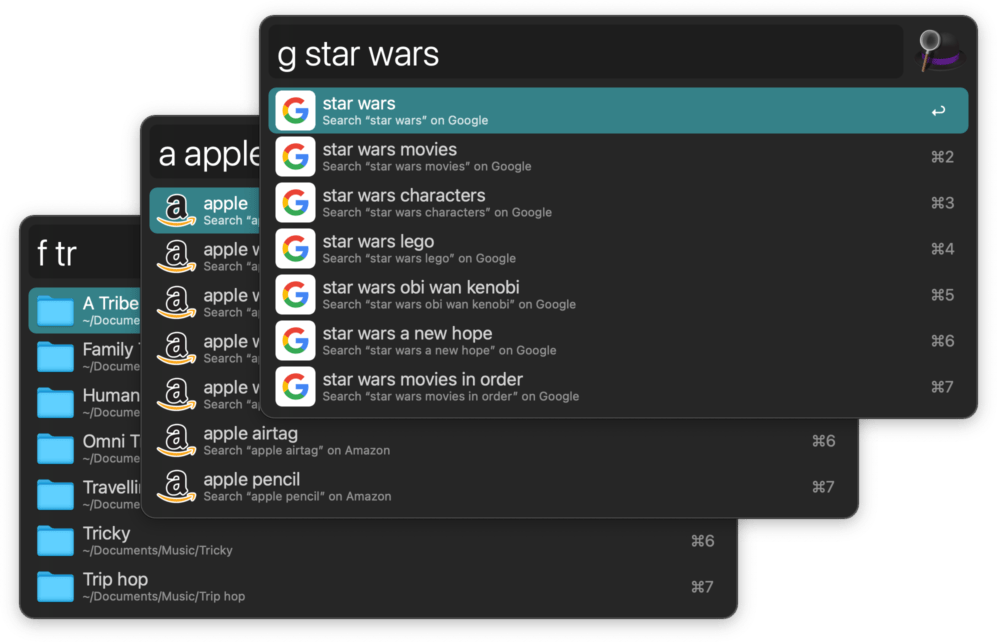
Extend Alfred's core search functionality with customisable filters for file types and locations you need quick access to.
View search results from sites like Google and Amazon in Alfred, or create searches for your own favourite sites and services. Locate recent documents via apps on your Mac.
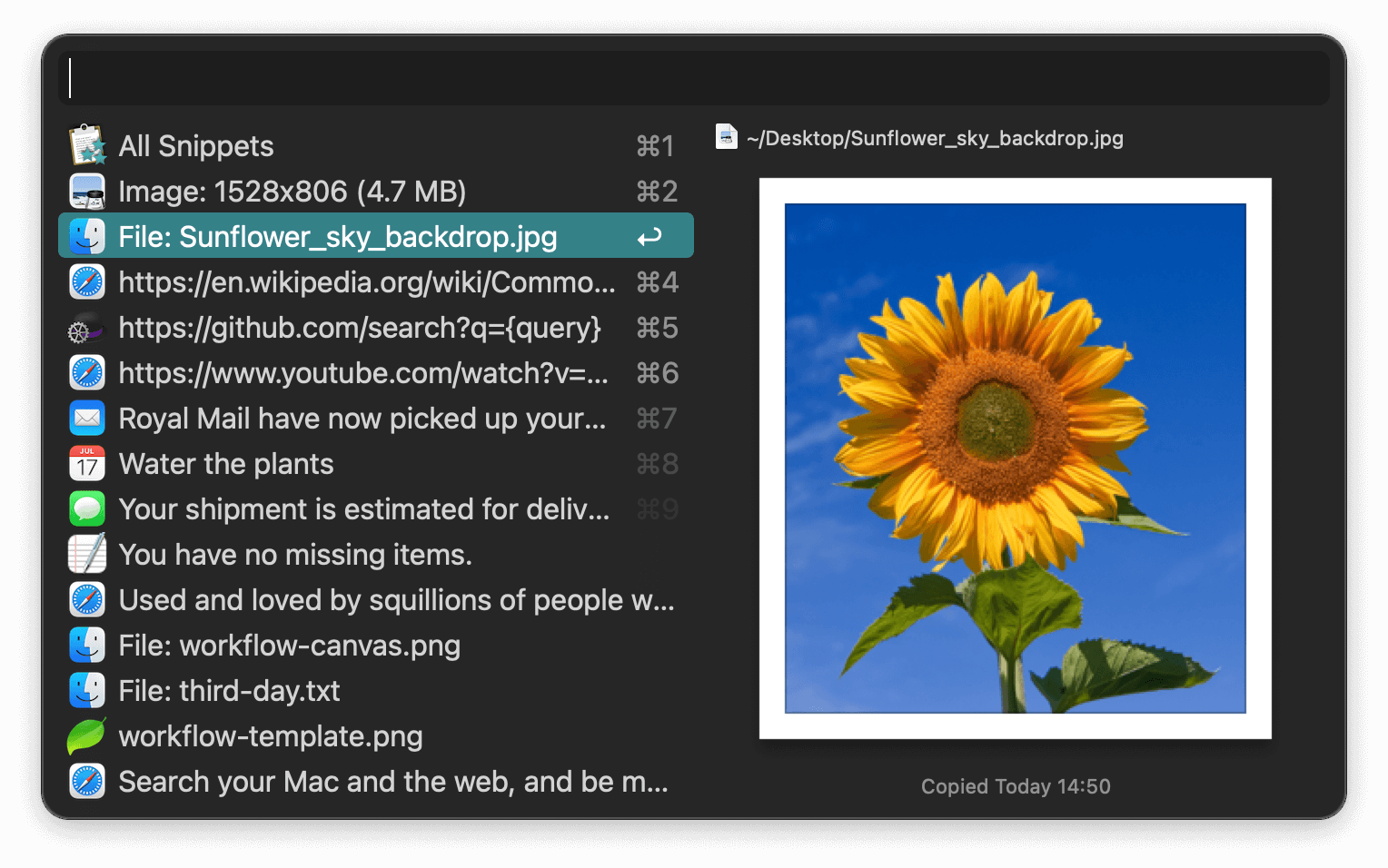
Save text clips, images and file paths to your clipboard with a keyboard shortcut, and paste them wherever you're working.
Search or browse through your recently copied clips, and never lose content you've copied while writing.
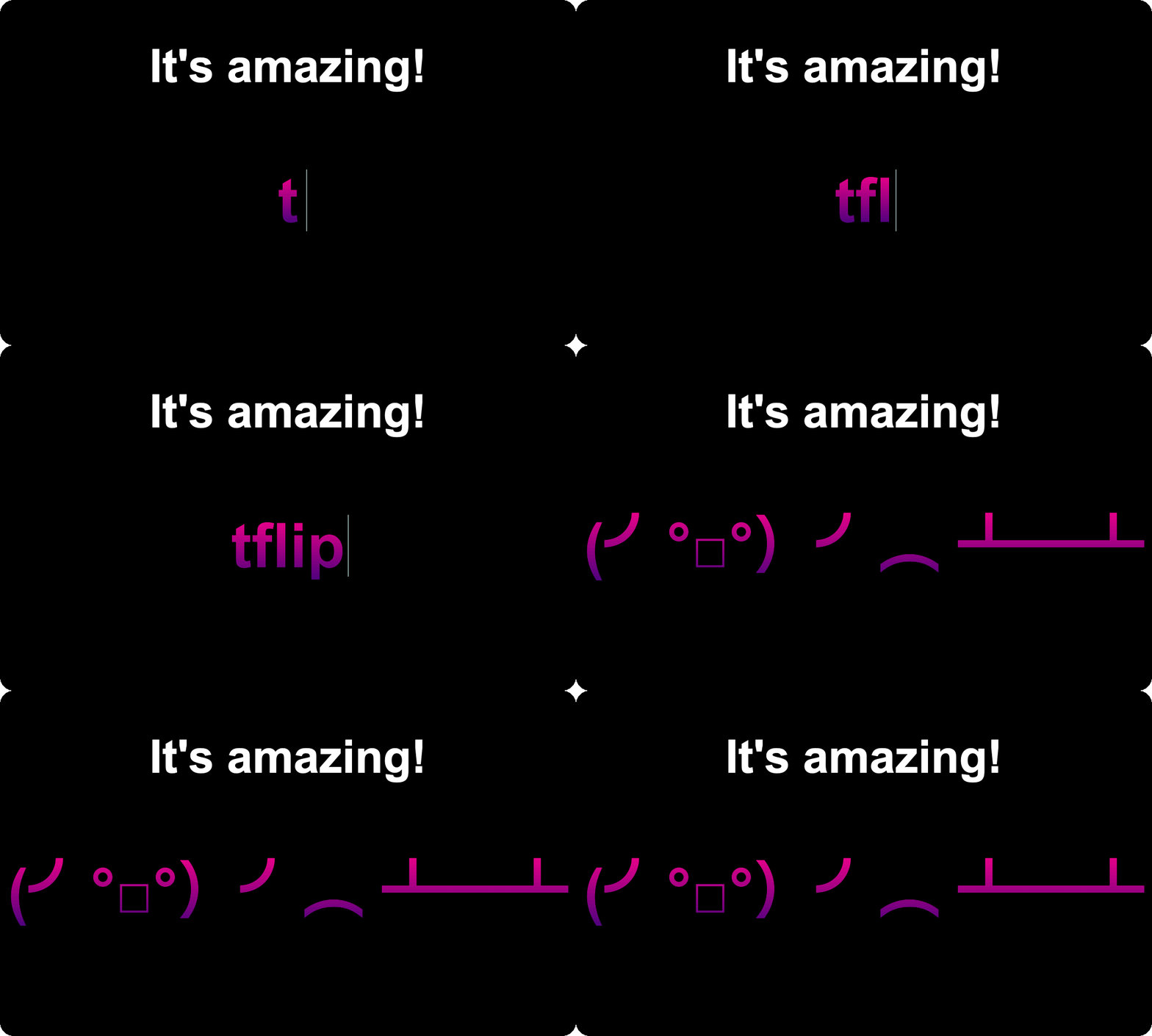
Create and share collections of snippets for frequently typed text; from URLs and email signatures to complete responses.
Auto-expand your text snippets by typing a short keyword, or browse them in Alfred's Snippets Viewer. Save them from your Clipboard History Viewer with Cmd + S.
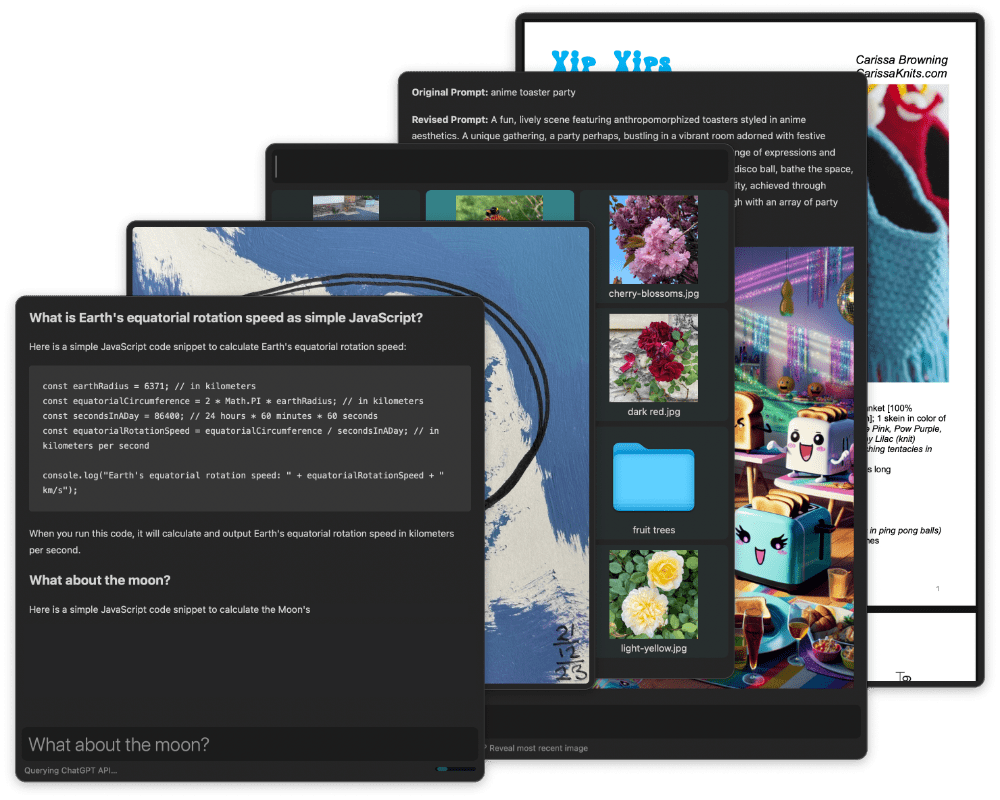
The Text View Workflow Object offers a scriptable, editable text window with Markdown and image support. The Grid View makes it easy to browse your Mac visually with convenient thumbnail-based navigation.
Use the ubiquitous "View in Alfred" Universal Action to take advantage of these amazing new View features; Preview Markdown, images, PDFs and text files from Finder or within Alfred.
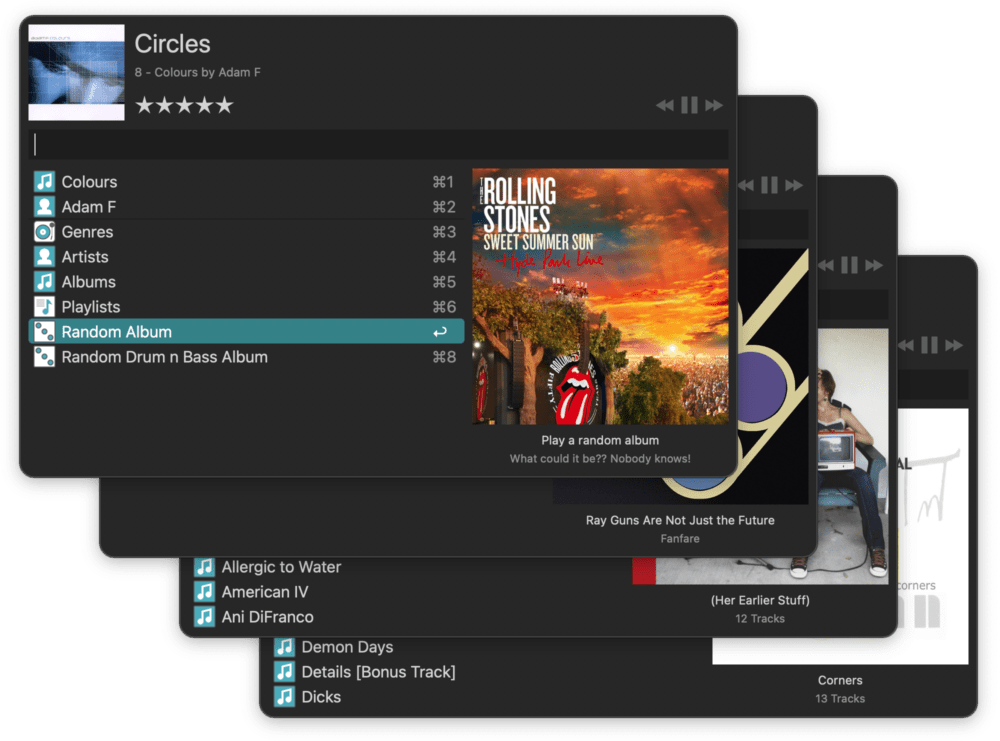
Control Music.app from your keyboard with Alfred's built-in Mini Player; Search your music collection, pick by genre or play random albums.
Prefer Spotify or another music service? Use one of the great music player workflows created by the community to access your favourite one.
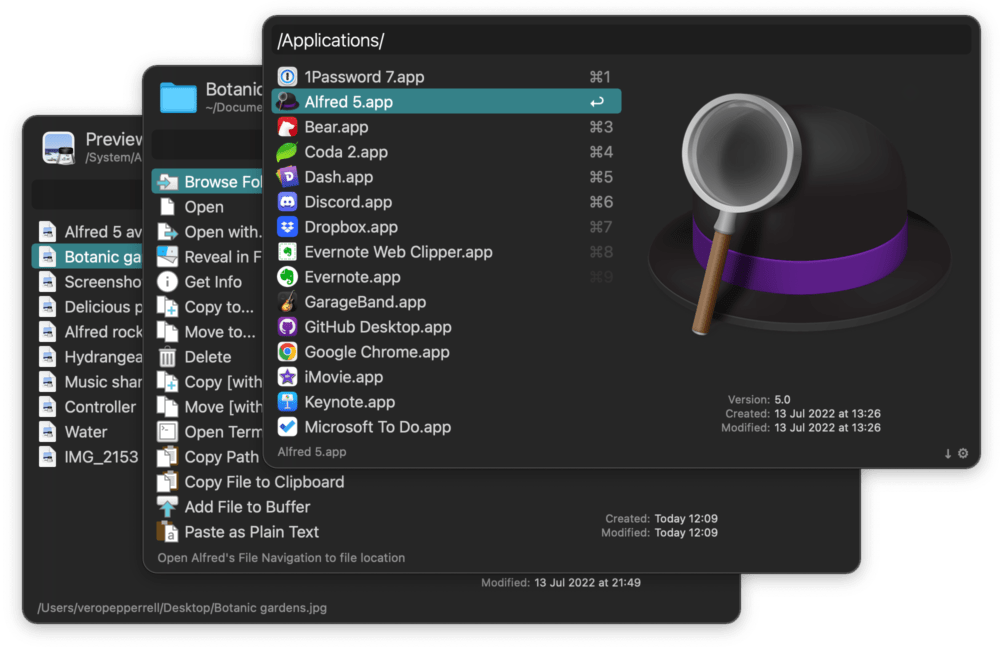
Expertly navigate your Mac's file system from the keyboard and quick-look files before opening them.
Perform actions like emailing, moving, copying and revealing in Finder, and add custom actions like resizing or uploading to automate tasks you'd otherwise have to do manually.
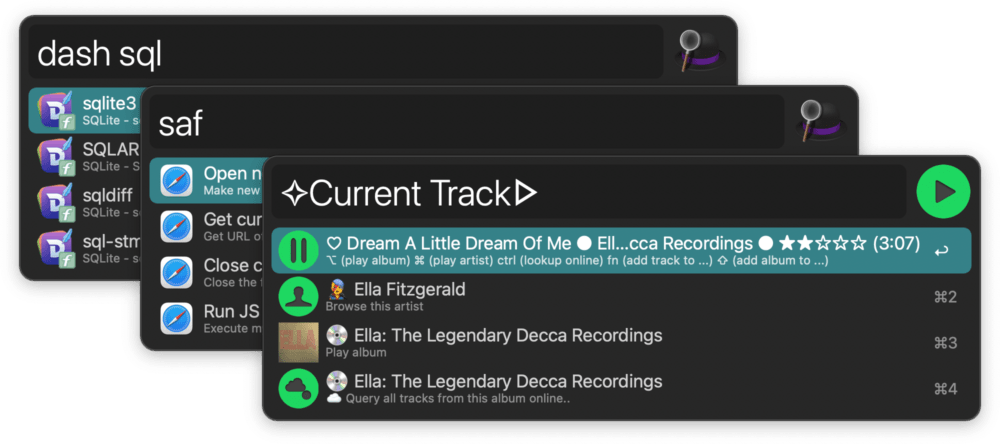
Eradicate repetitive tasks with customised hotkeys and keywords. Import some of the thousands of workflows created by Alfred community members or create your own.
You'll find workflows integrated with numerous apps you use daily, from Dash and Twitter to Spotify and YouTube.
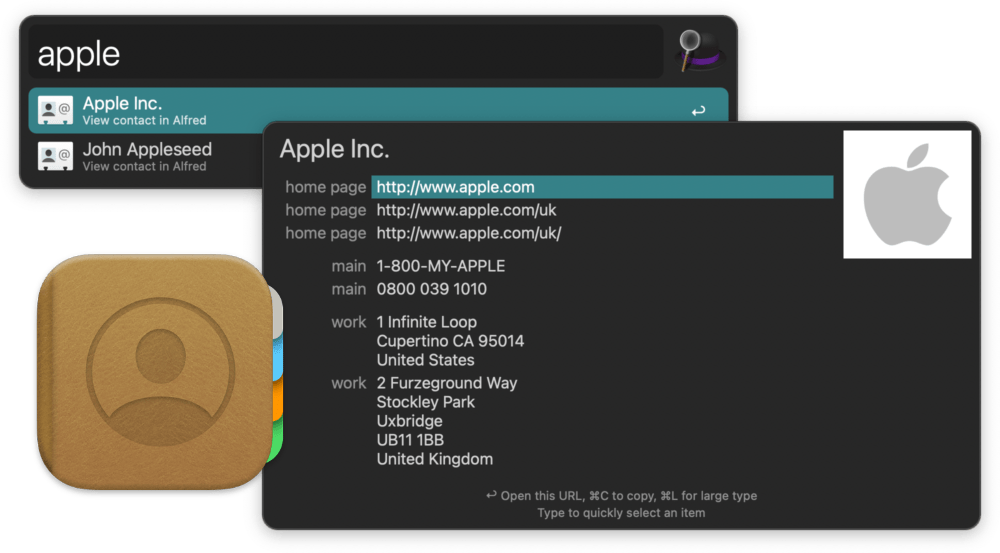
View your contacts' details in Alfred's Contacts Viewer. Launch a new email or call, or copy their address to clipboard.
Add your own custom actions to show phone numbers in large type on your screen or call using your favourite VOIP system.
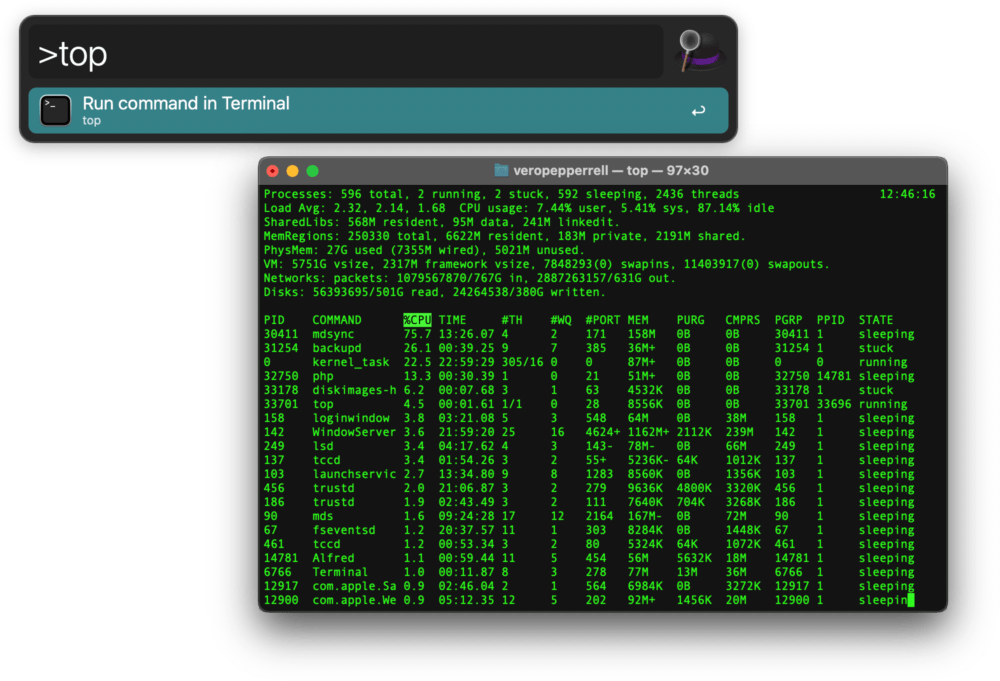
Run commands and scripts in Terminal directly from Alfred.
Want even more power? Use Alfred's Workflows to run your scripts without even opening Terminal.
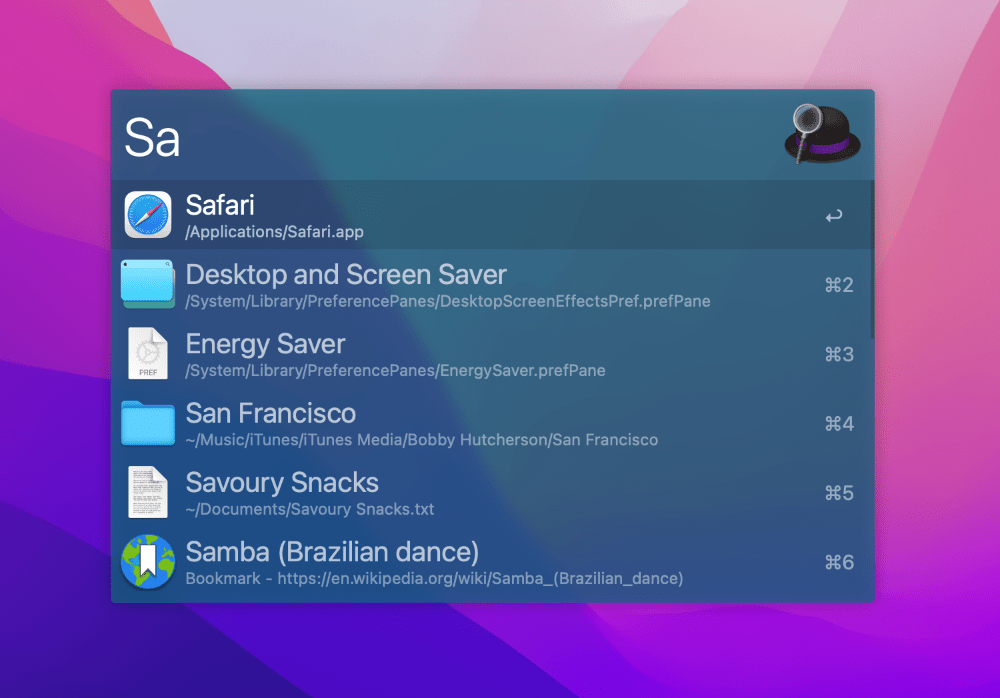
Match Alfred to your desktop, your clothes or your mood. Create your own themes by choosing colours, fonts, sizes and more.
Show off your design skills and share your themes with friends, and import their themes.
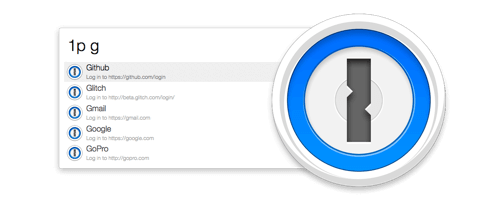
Search and open your 1Password 1Click Bookmarks directly from Alfred.
Speed up opening your favourite password-protected websites while staying safe with 1Password's secure password manager.
Use your favourite file syncing service, such as Dropbox, to keep your Alfred settings synced between your Macs.
Should something happen to your Mac, syncing your Alfred preferences also ensures that your settings are safely backed up and easy to restore.
With Alfred's Powerpack, use immensely powerful workflows to perform tasks more efficiently and cut down on repetitive manual tasks.
Connect objects together like building blocks to create workflows without a single line of code. Launch your workflows with a hotkey, a keyword or even a button in Alfred Remote on your iPad. Create your own or import existing workflows you enjoy from the thousands our community of creators have shared.
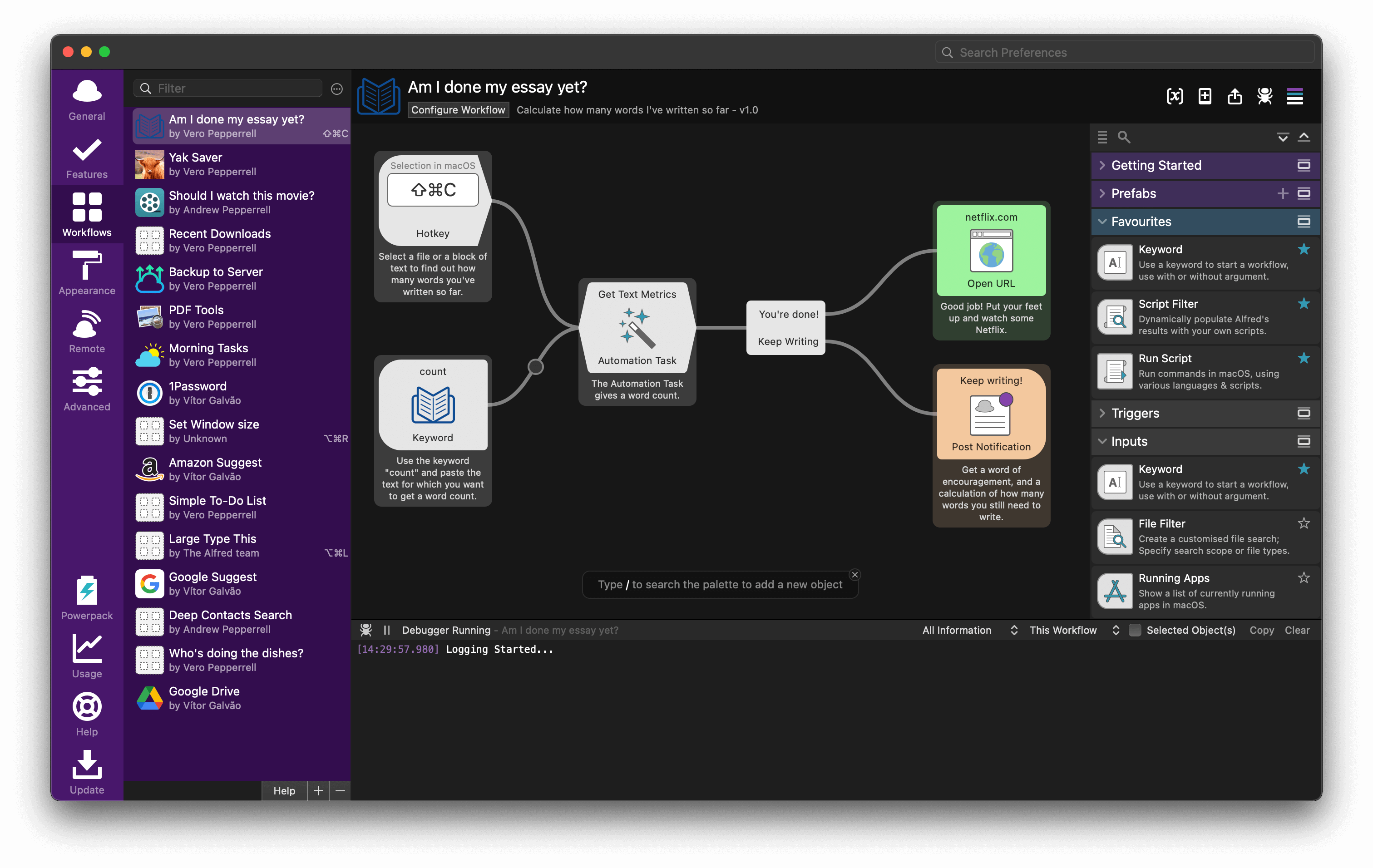
Alfred brings more workflow flexibility for beginner and advanced creators alike; Connect objects in any way you like to stretch your creativity and save yourself clicks. Use list filters, script filters or JSON to present results in-line or tie in with your favourite apps' APIs.
You'll find hundreds of workflows on Alfred Gallery, and many more on the Alfred Forum. Our fabulous community of creators is very welcoming, and you'll always find help when creating your own workflows.
The features don't stop there; Alfred's active and friendly community of workflow creators are adding new features using workflows daily!
With the breathtaking flexibility of Alfred's workflows and features, make your Mac truly yours and take your productivity to new heights!
Love what we do and want to support Alfred more? Legendary+
By purchasing, you agree to the Terms & Conditions.
Learn more about the license types.


"Alfred" is a registered trademark of Running with Crayons Ltd. ©2026 Running with Crayons Ltd. All rights reserved.