Query History
With Query History, you can browse the previous searches and keywords you've typed into Alfred.
Using Query History
NoteBy default, Query History is disabled for your privacy.
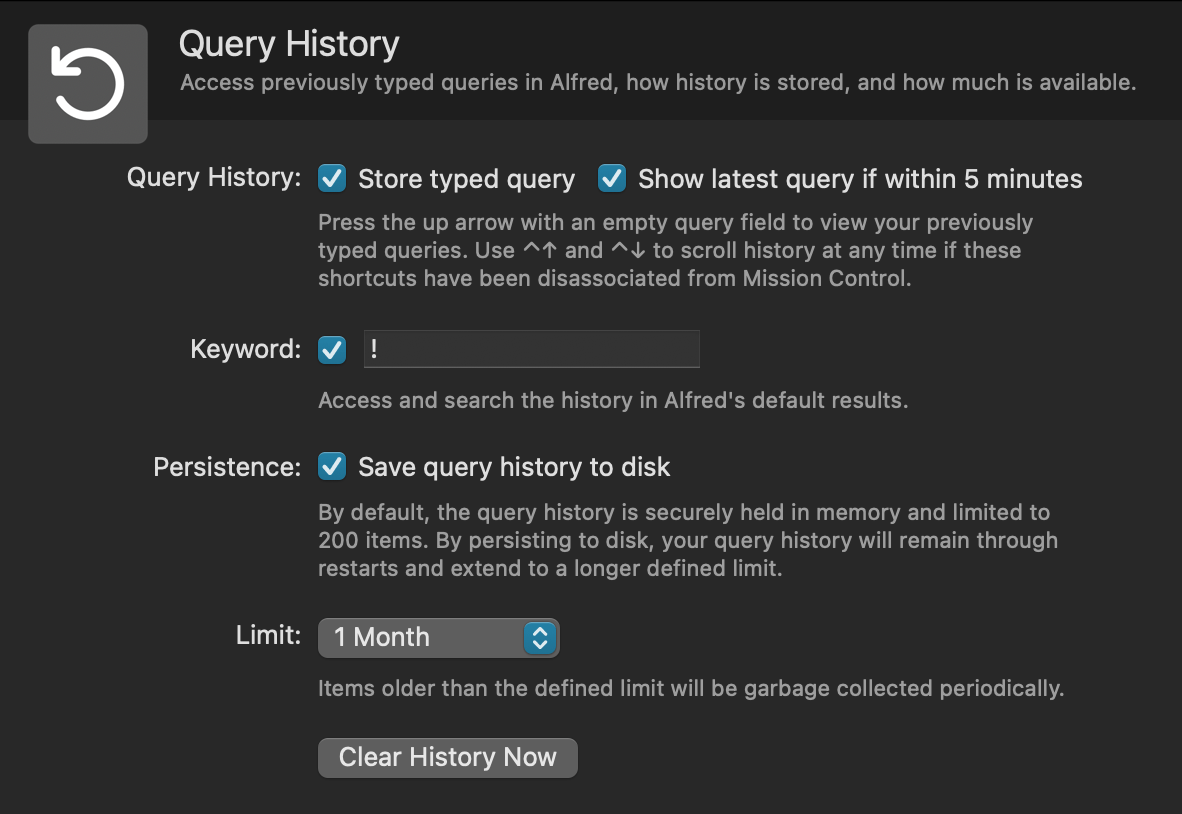
To enable Query History, open Alfred's Preferences to Features > Query History, and check the boxes for "Store typed query" and "Show latest query if within 5 minutes".
Once enabled, you can use the Query History in a few ways:
- Press the
↑up arrow to view your previously typed queries - Use
⌃↑(Ctrl + Up arrow) and⌃↓(Ctrl + Down arrow) to scroll history at any time (if these shortcuts have been disassociated from Mission Control) - Type
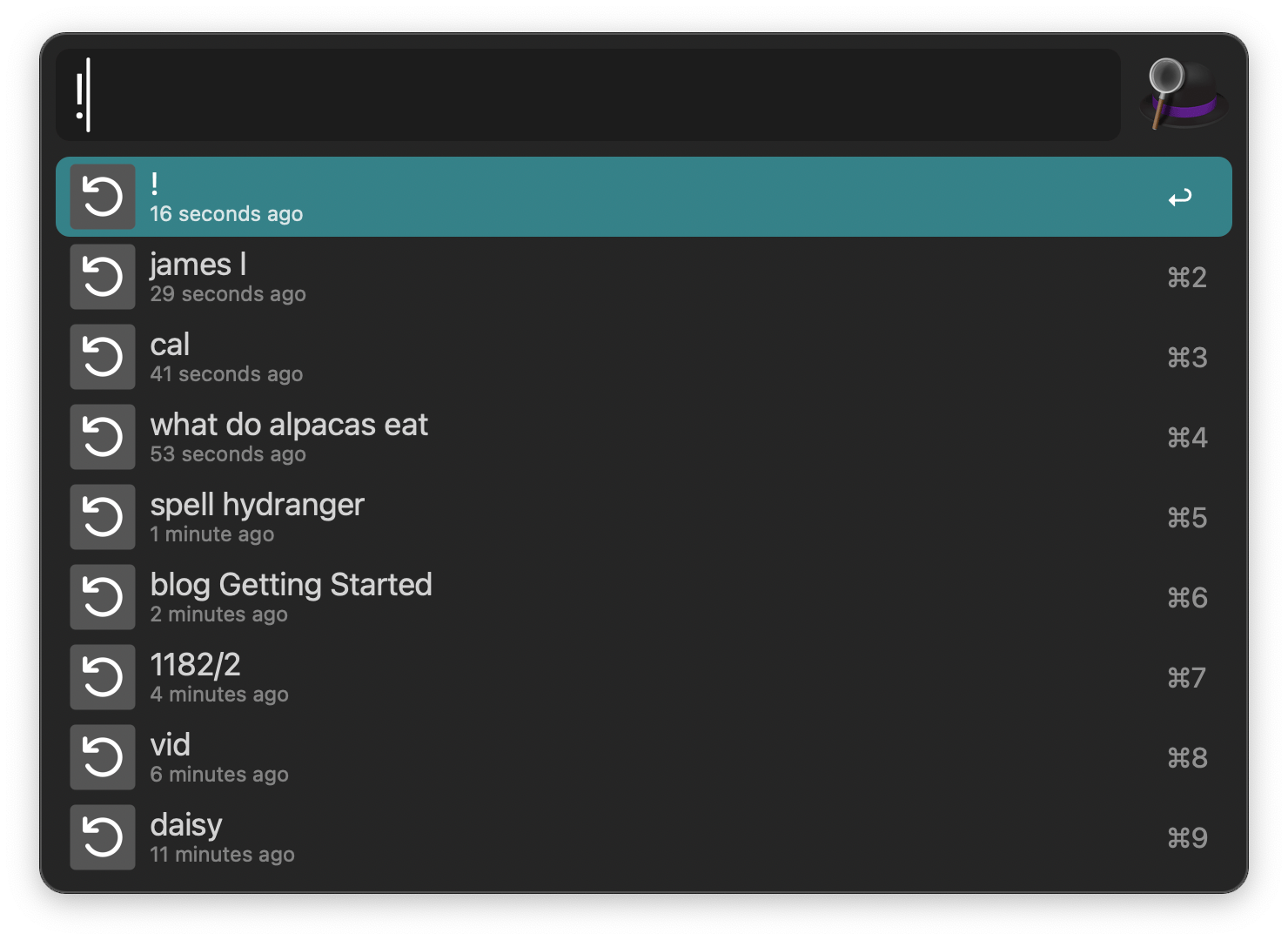
!followed by your previously typed query to search your Query History
Query Persistence
By default, Alfred's Query History is securely held in memory, which holds up to 200 items.
When queries are held in memory, they're discarded when you restart Alfred. If you prefer to save queries to disk, they'll remain available through restarts and extend to a longer limit, which you can set in the preferences.
At any time, you can click "Clear History Now" to delete all past query history.