
Alfred UI
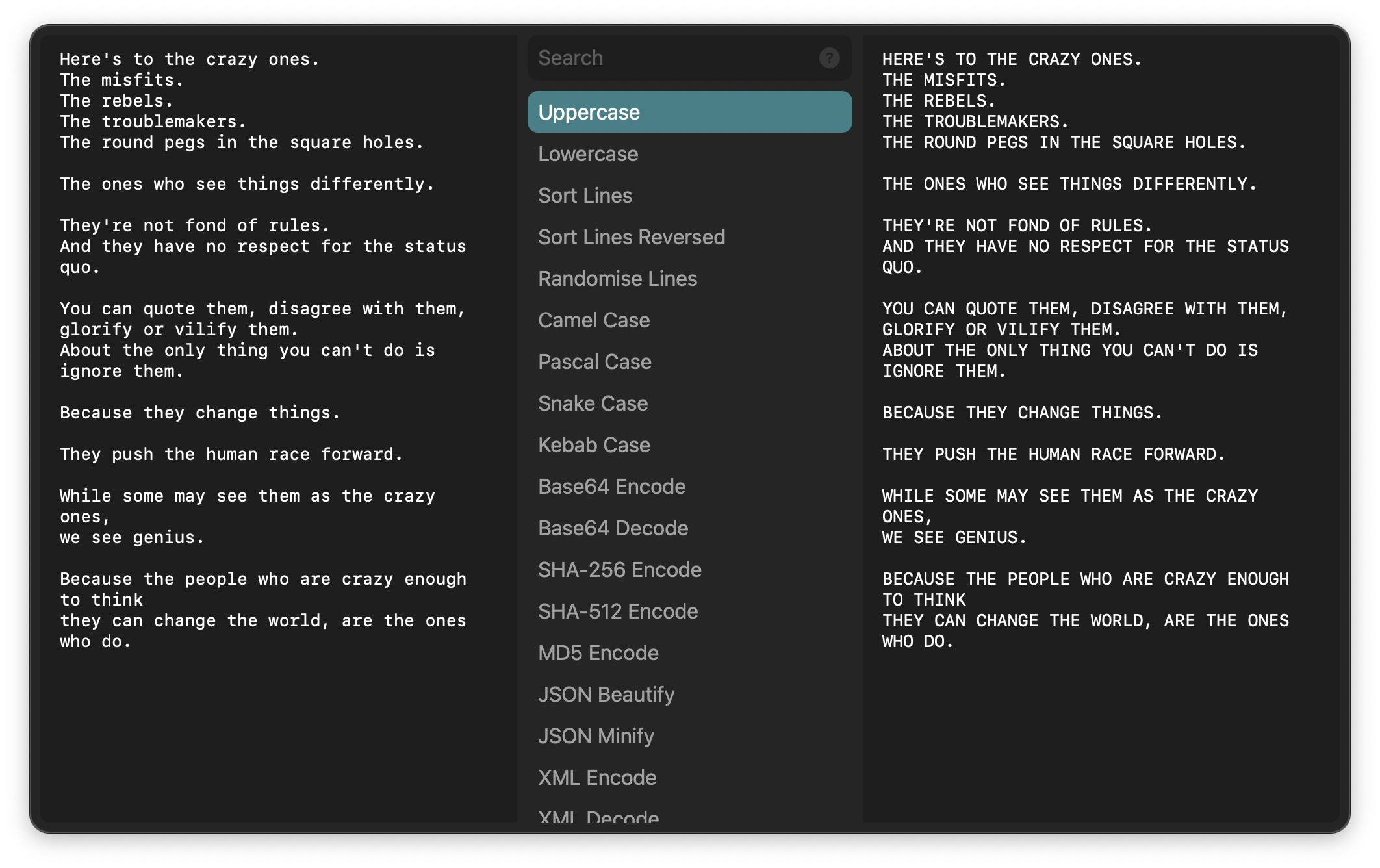
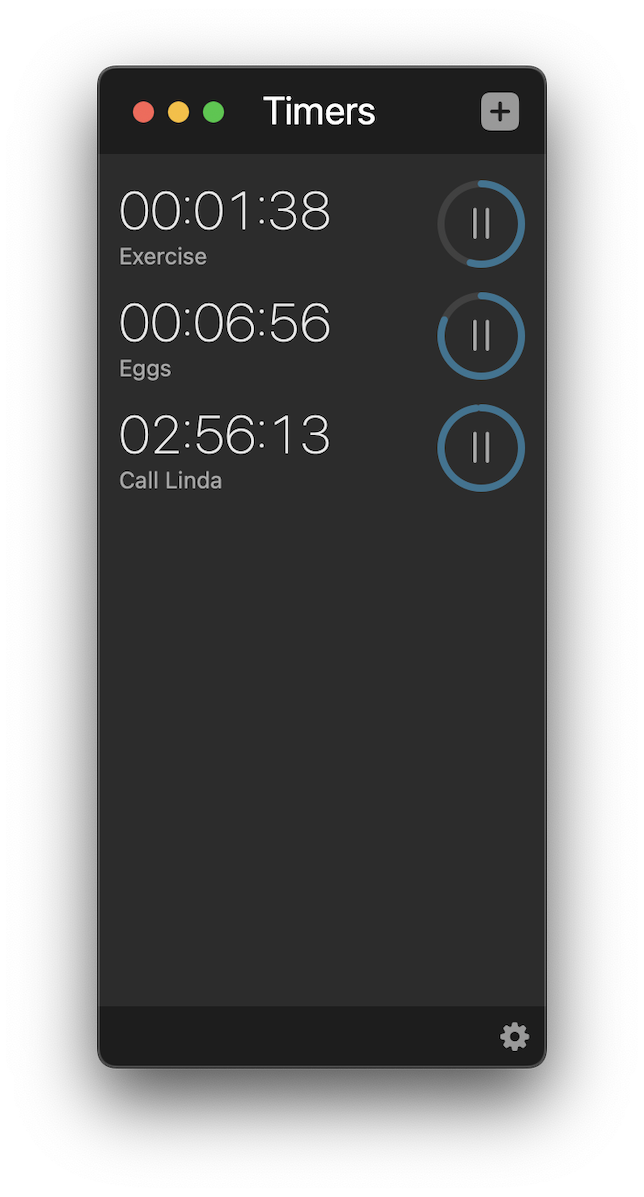
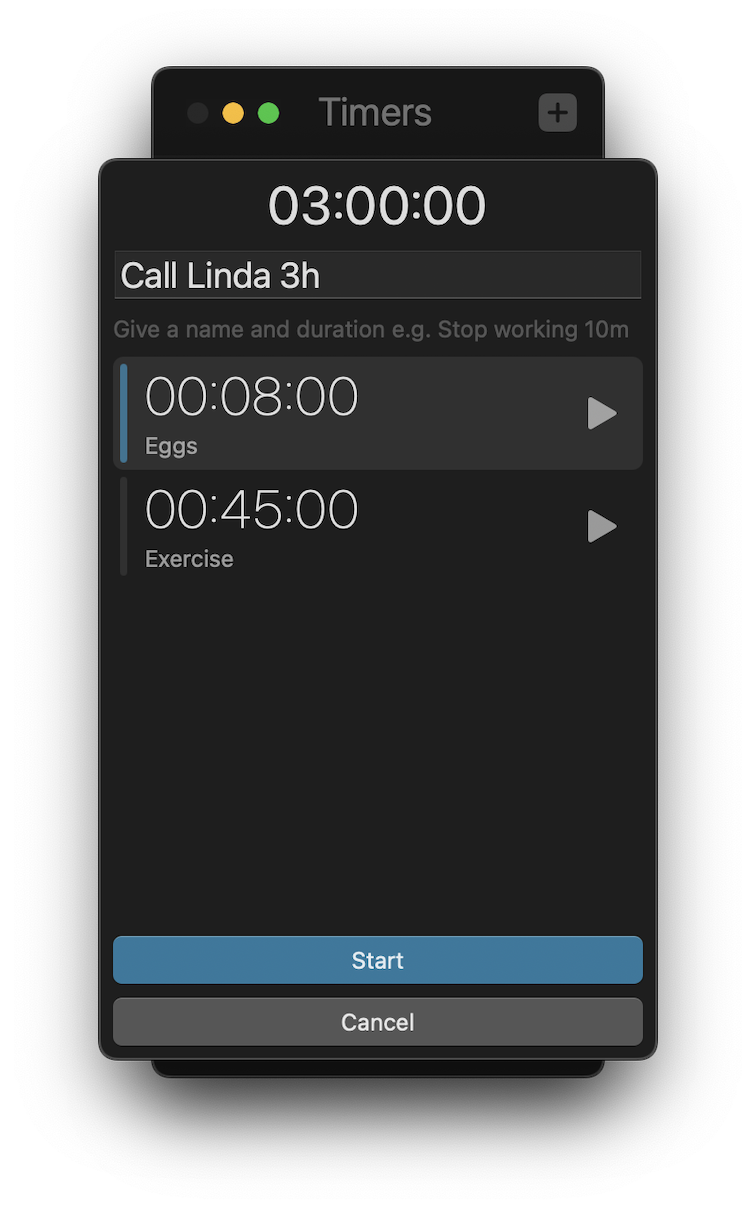
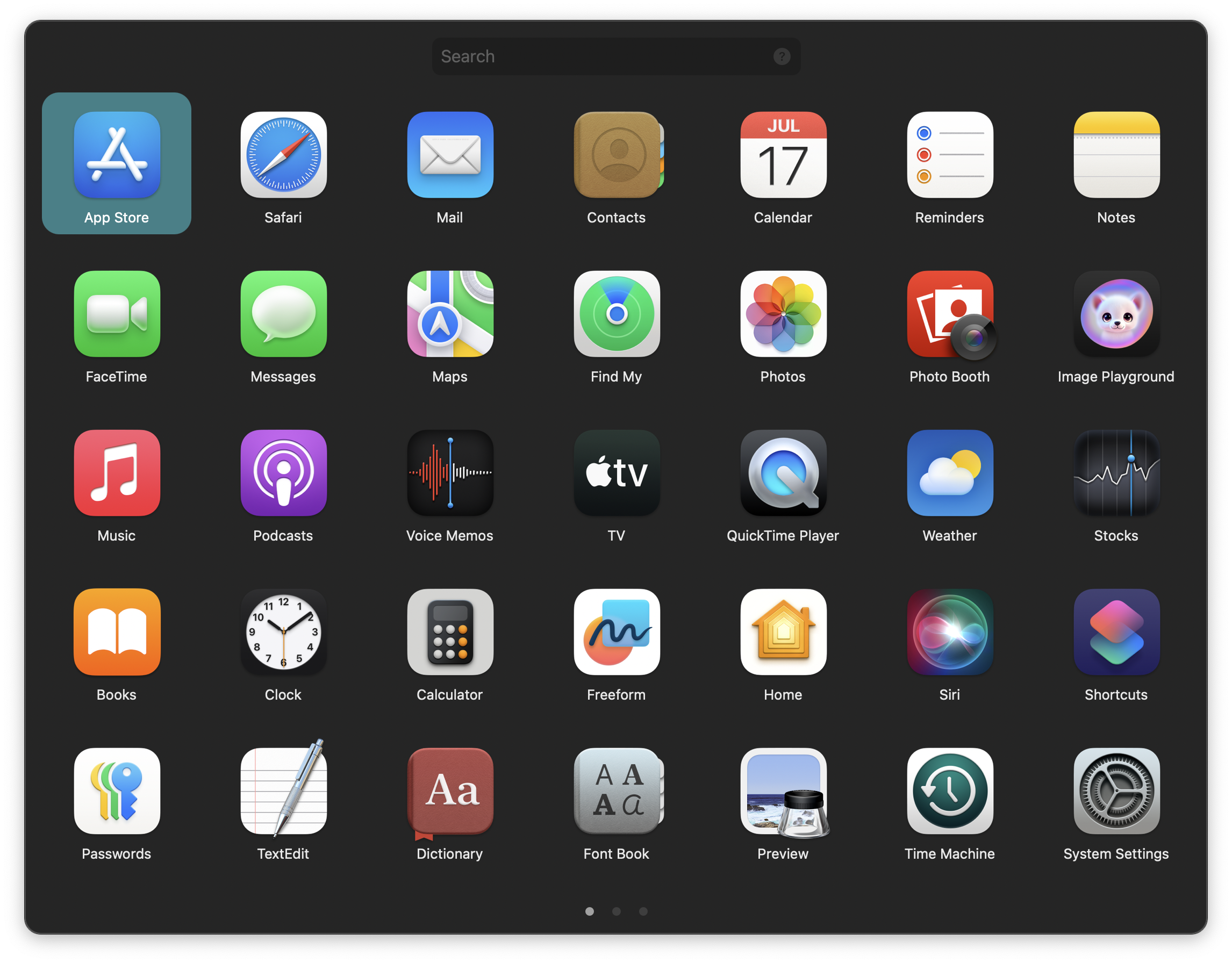
The Alfred UI displays custom interfaces inside and outside Alfred. It is a powerful workflow object allowing you to present complex native user interfaces built from a structured JSON format and your favourite programming language.
Page Index
Setup
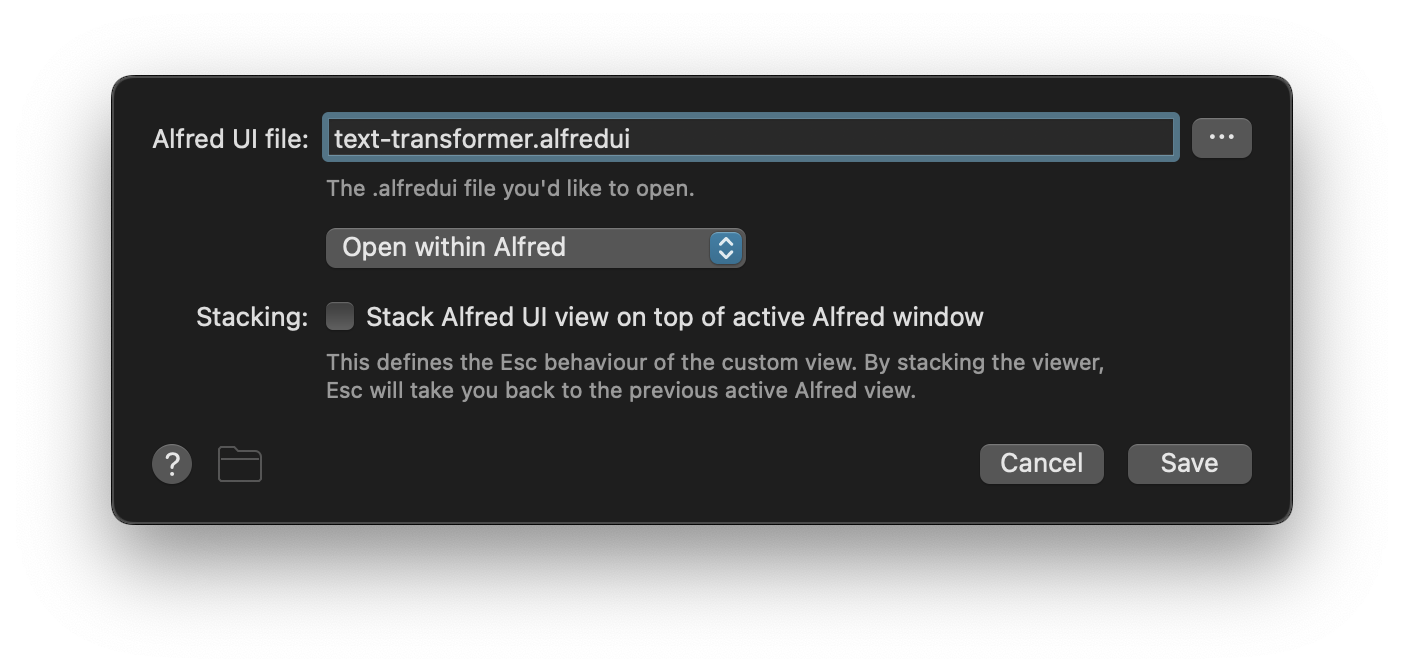
Alfred UI file sets the location of the .alfredui file to load. Prefer relative paths. You can set it to Open within Alfred or Launch Externally.
Stacking modifies the behaviour when pressing ⎋ to return Alfred to the previous view instead of closing the window. Use ⌘⎋ to force Alfred to hide.
Connection Ideas
Connect to the Alfred UI from a Keyword Input or a Hotkey Trigger to launch a UI.
Example Workflows


Advanced
See the full Alfred UI documentation.