Control Music.app with Alfred Remote
The Music actions in Remote allow you to control Music.app on your Mac; Play/pause, skip tracks, control the volume, rate your tracks or start a random album!
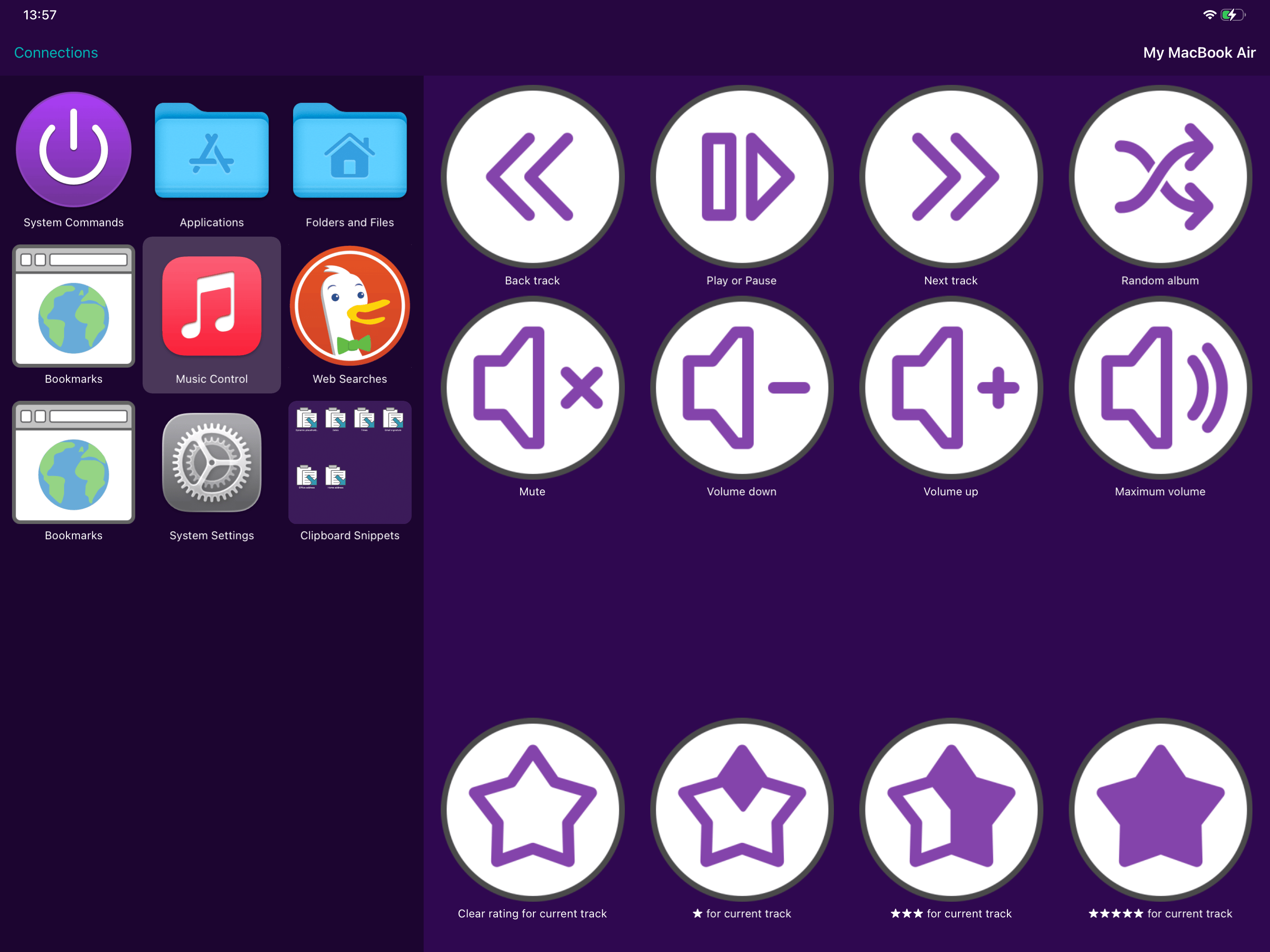
How can I control Music.app with Remote?
Controlling your music from Remote is easy. Once you've linked your Remote to your Mac, tap any of the Music.app action buttons on your Remote to perform this action on your Mac.
Using Music.app Controls with Remote
You can set up Alfred Remote with a set of actions to control Music.app on your Mac.
The easiest way to get started is to launch Alfred's preferences to the Remote tab on your Mac and click the + at the bottom of the pages sidebar. Choose Examples > Music Control to add a pre-set page of actions.
The actions available are:
- Play/Pause
- Next track
- Back Track
- Previous track
- Random album
- Maximum volume
- Volume up
- Volume down
- Mute
- Ratings from 1 to 5 stars
- Clear rating for current tracks
Want to create your own actions? Take a look at Workflow triggers.
Setting up Music.app actions
Alternatively, if you would prefer to set up your own page, choose Blank Page and add your own actions to make a panel of Music controls organised how you like them best!