
System Command Automation
The System Command Automation controls basic macOS functionality.
Page Index
Setup
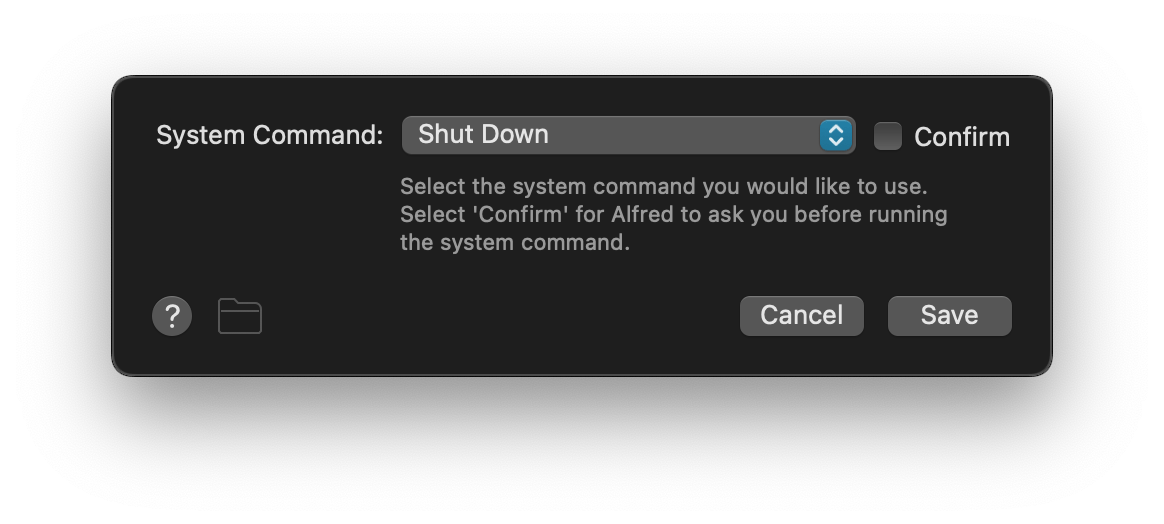
System Command sets the action to run, from:
| Screen Saver |
| Sleep |
| Sleep Displays |
| Show Trash |
| Empty Trash |
| Lock |
| Restart |
| Shut Down |
| Log Out |
| Volume Up |
| Volume Down |
| Toggle Mute |
| Quit All Apps |
| Eject All |
Confirm defines if a confirmation dialog should appear before executing the command.
Connection Ideas
Connect to the System Command Automation from a Keyword Input without an argument, a Hotkey Trigger, or the outcome of a Conditional Utility.
Example Workflows

Done for the Day
Quit all apps, eject all disks, and shut down
Workspace Launcher
Quit and launch apps according to task
