Apple have announced that macOS 26 Tahoe is due to be released today, Monday 15th September. In preparation, we’ve released Alfred 5.7, which is available now for download through in-app update or from alfredapp.com.
Alfred 5.7 has been tested on macOS Tahoe throughout the beta versions and works flawlessly, so you can upgrade to the latest macOS with confidence that you’ll be able to use Alfred with it right away.
In this release, we’ve overhauled the built-in macOS System Settings search, so there’s no longer a need to use a workflow for this. Just ensure that “Preferences” is checked in Features > Default Results.
You can find the full list of improvements and fixes in the Change log.
Themes to match the new look
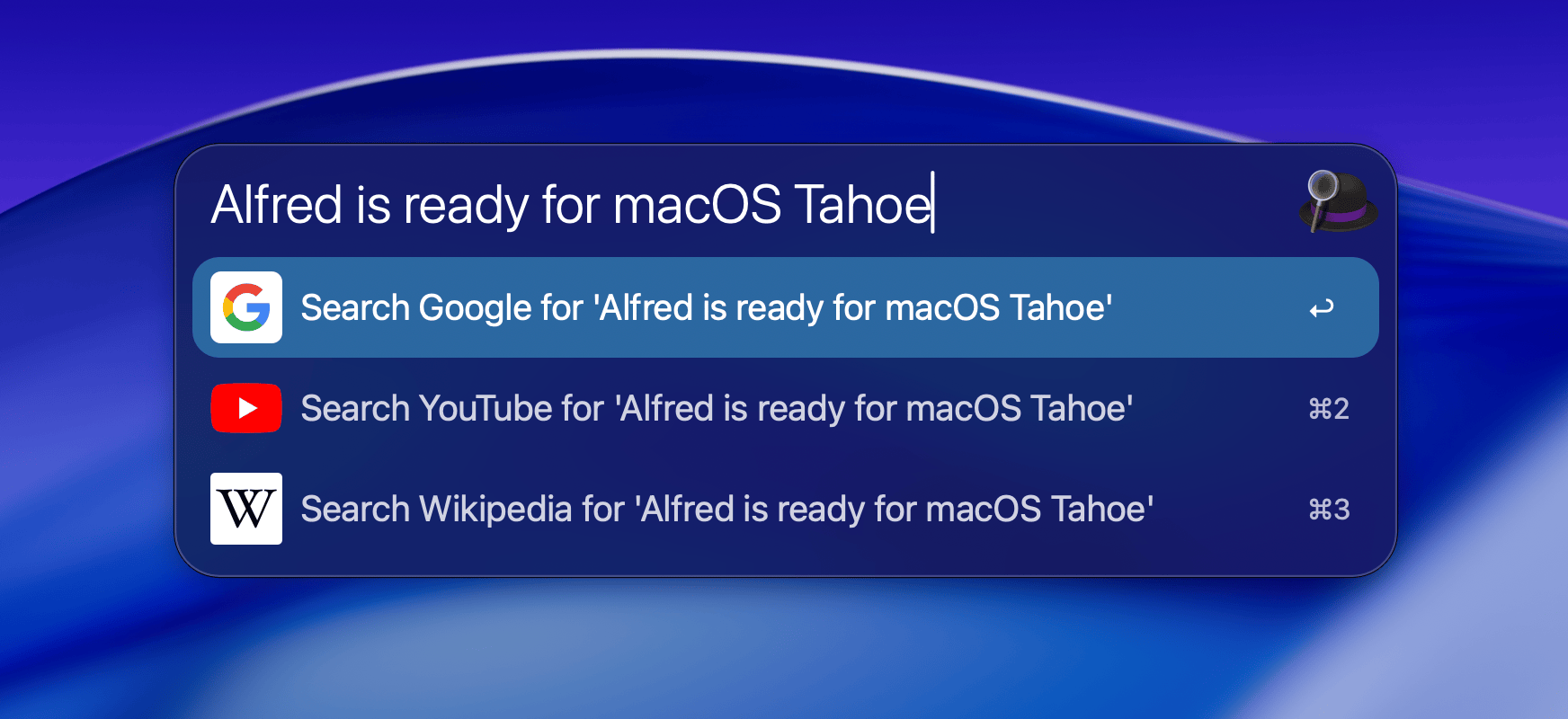
Embrace the frosted look with new dark and light themes, echoing the rounded corners and glassy features of Tahoe.
Download the Frosted Dark Glass Alfred Theme
Download the Frosted Light Glass Alfred Theme
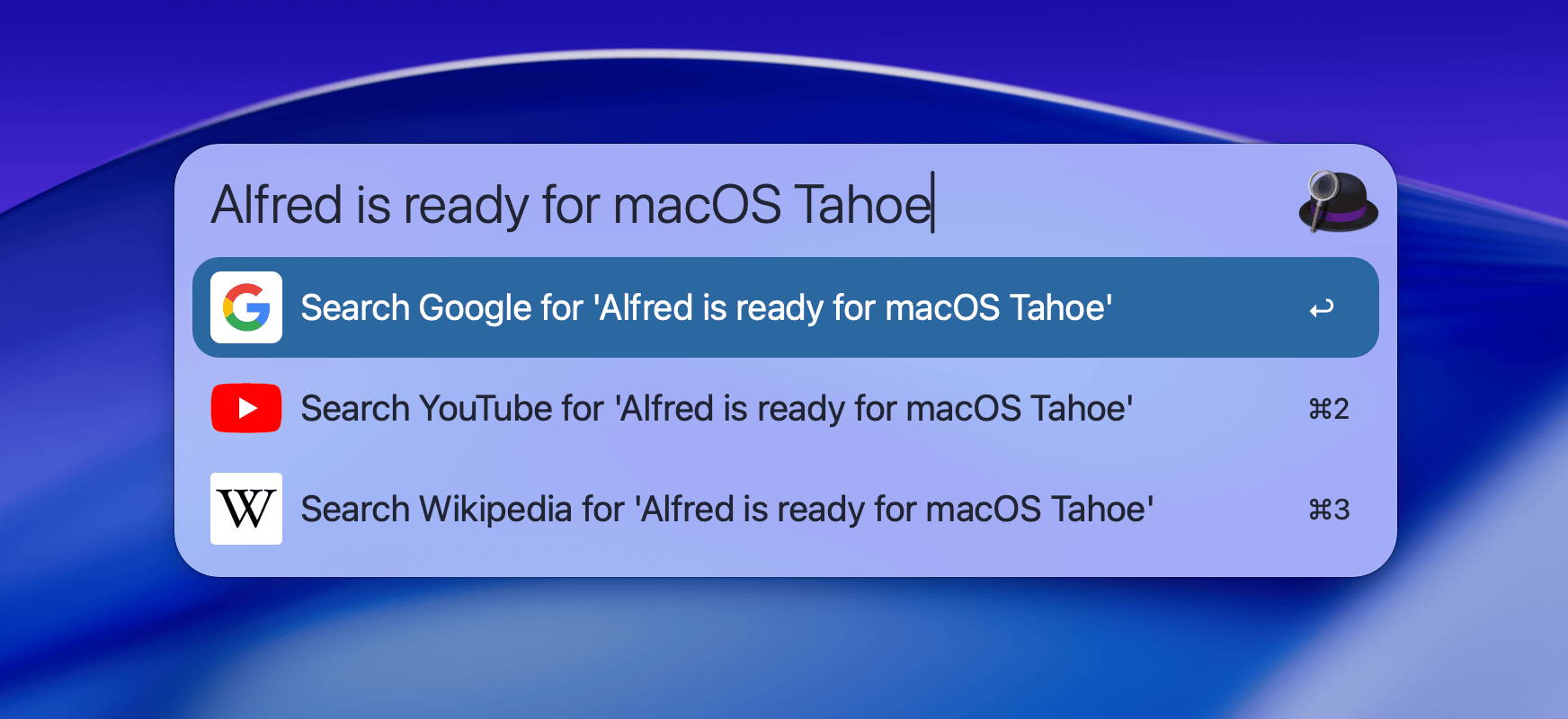
Alfred themes are easy to customise, so you can tweak sizes, colour scheme, fonts and more to fit your style.
A few tips when upgrading or installing a new version of macOS
A new macOS release is a good time to start or refresh your backups, whether you use Time Machine or another backup method of your choice.
If you want to only back up your Alfred preferences, you can use our Preferences Backup workflow to make sure you never lose your carefully crafted preferences.
When installing macOS from scratch on a new Mac, remember that your Mac will need a moment to build the file index on which Alfred relies on, so allow an hour or two after installation for macOS to sort itself out.
Did you know that we offer Alfred corporate licensing for teams?
Alfred's Corporate Licensing scheme is used by companies around the world, from small teams to multinationals, supporting their everyday activities.
Imagine making your whole team was as productive as you are with bespoke workflows, internal custom searches and all of the great tools that make your day to day more efficient!
Here are the few key points you can share with your team leader:
- Alfred's corporate licensing is not a subscription; We use a simple per-Mac activation system, making it easy to share Macs amongst your team.
- Your privacy and security matters; Your data is yours, Alfred doesn't track your searches and doesn't share your usage data with us.
- Bulk activations purchase; Volume discounts range from 10% to 40% for larger purchases.
- Top up any time; Self-service checkout to purchase more activations when needed. Unused activations don't expire, and can be banked for later use.
Our Alfred corporate licensing scheme keeps it easy for team leaders to administer, so that you can ultimately all be more productive and enjoy working on your Macs.
Alfred's history features can help lighten the load on your brain and do the remembering for you. Here are three ways you can store your favourite sites' URLs, copied clip items and more.
Query History
Alfred can store the last 20 queries you've typed, and show the latest query automatically if you typed it less than 5 minutes ago.
This is particularly useful when you're making calculations, hide Alfred then continue adding to your equation.
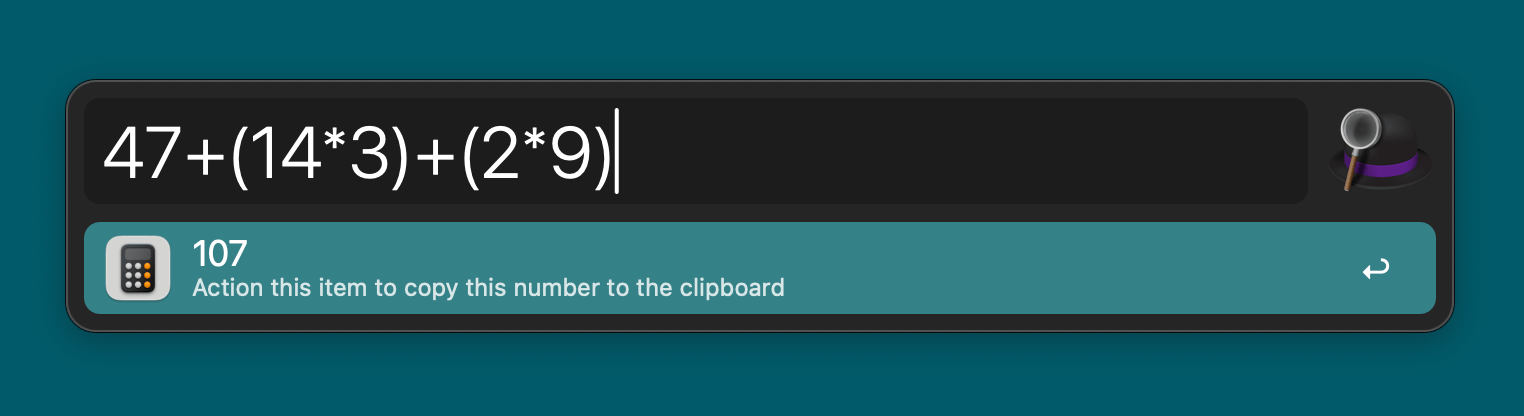
Enable Query History in Alfred's Preferences > Advanced > History.
Clipboard History (and Snippets)
Once you start using Clipboard History, you simply can't go back! Alfred saves text clips, links, images and file paths as you copy them.
Pop up the Clipboard Viewer - the default hotkey combo is ⌥⌘C - then type a few letters to narrow down to the results you want, or scroll down for recently copied items.
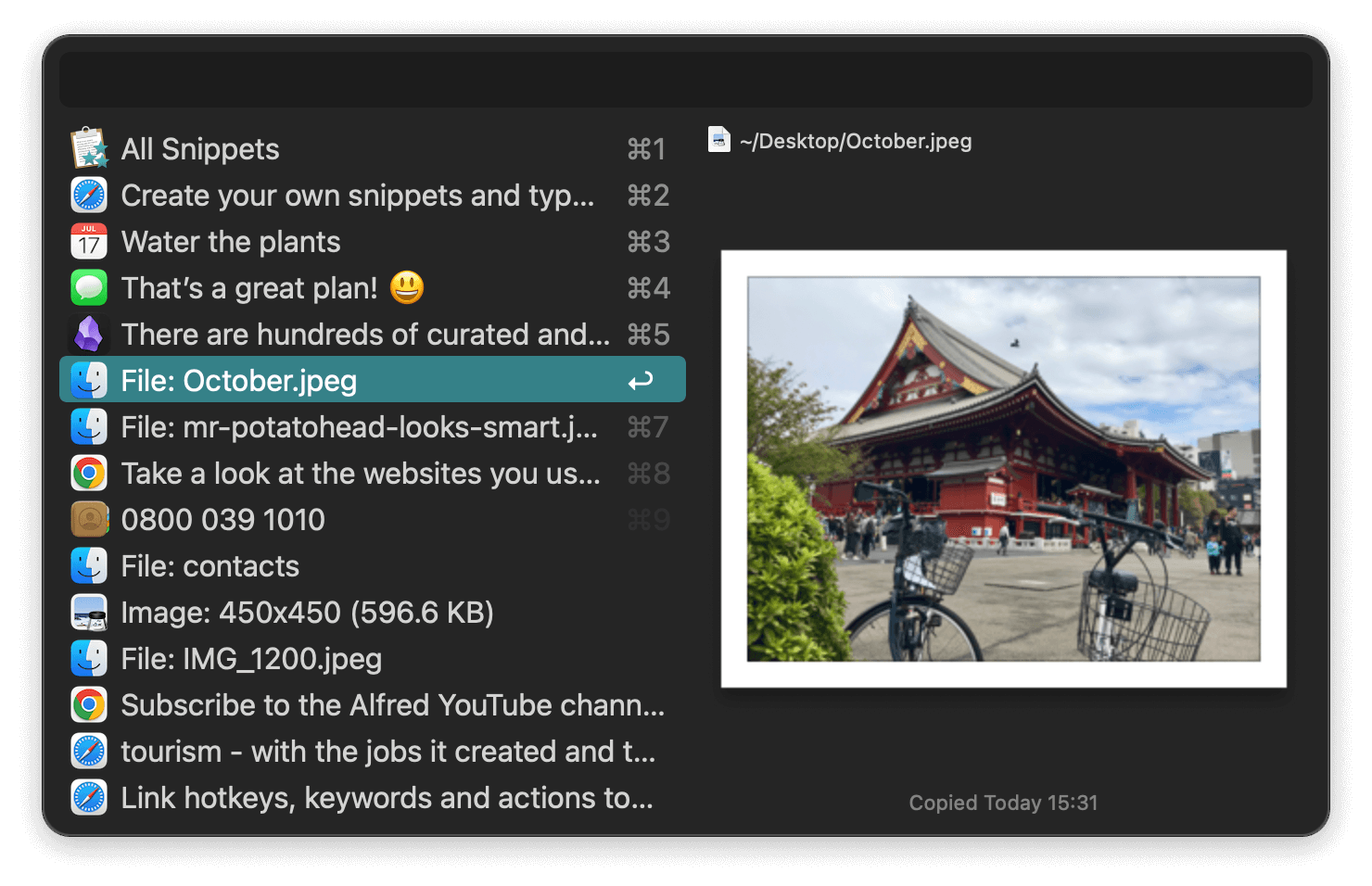
Enable Clipboard History in Alfred's Preferences > Features > Clipboard.
Bonus tip: Do you search for the same clipboard item often? Save it as a snippet by using the ⌘S shortcut on the item in the Clipboard Viewer.
Snippets can be synced between your Macs and backed up for longer-term use.
Alfred's URL History
After you've opened URLs once in Alfred, your favourite sites will be remembered so that next time you can just type a few characters. No setup, no keywords or hotkeys to remember.
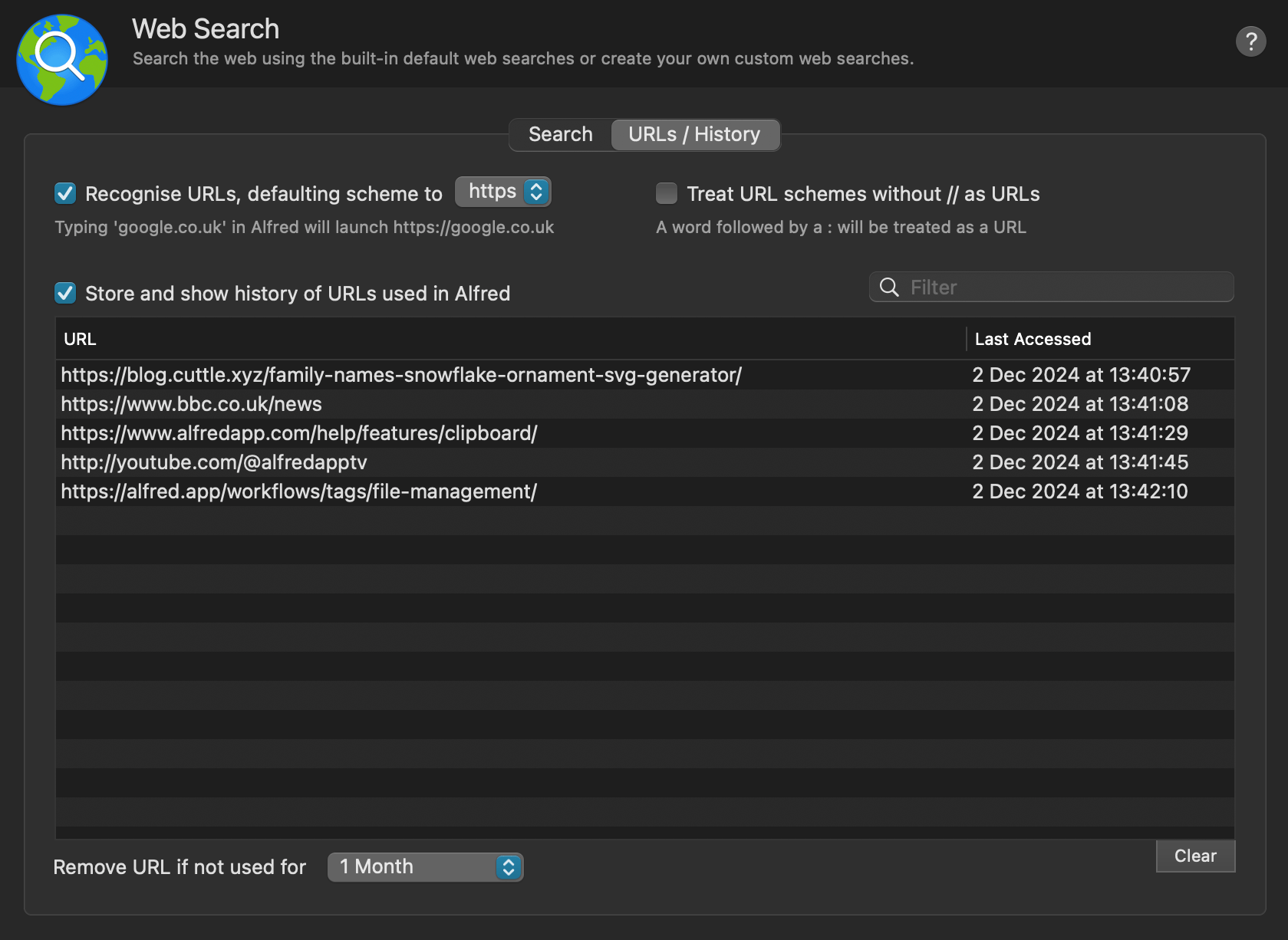
Accessing the same services and sites often, why not create a custom search?
Enable URL History in Alfred's Preferences > Features > Web Search > URLs / History.
Your Data is Secure and Private
You'll notice that these history features need to be enabled manually. Why? For your privacy and security. In an era where your data is so rarely yours, we give you the choice whether you want to store your query history.
Furthermore, this data isn't synced to the cloud or sent to us. It's simply stored locally on your Mac for your use only.
Get started with Alfred's History features and lighten the load on your memory!
Over the years, Alfred has made his way into pop culture in unexpected ways; Once as the $2000 question on Jeopardy, frequently spotted on the screens of keynote presenters preparing their slides, as well as in Minecraft where community members made a giant bowler hat with Alfred's classic purple ribbon.
Most recently, author, illustrator and community member Debbie Ridpath Ohi shared her own take on Alfred in comic form. Of course, we wanted to share it with you!
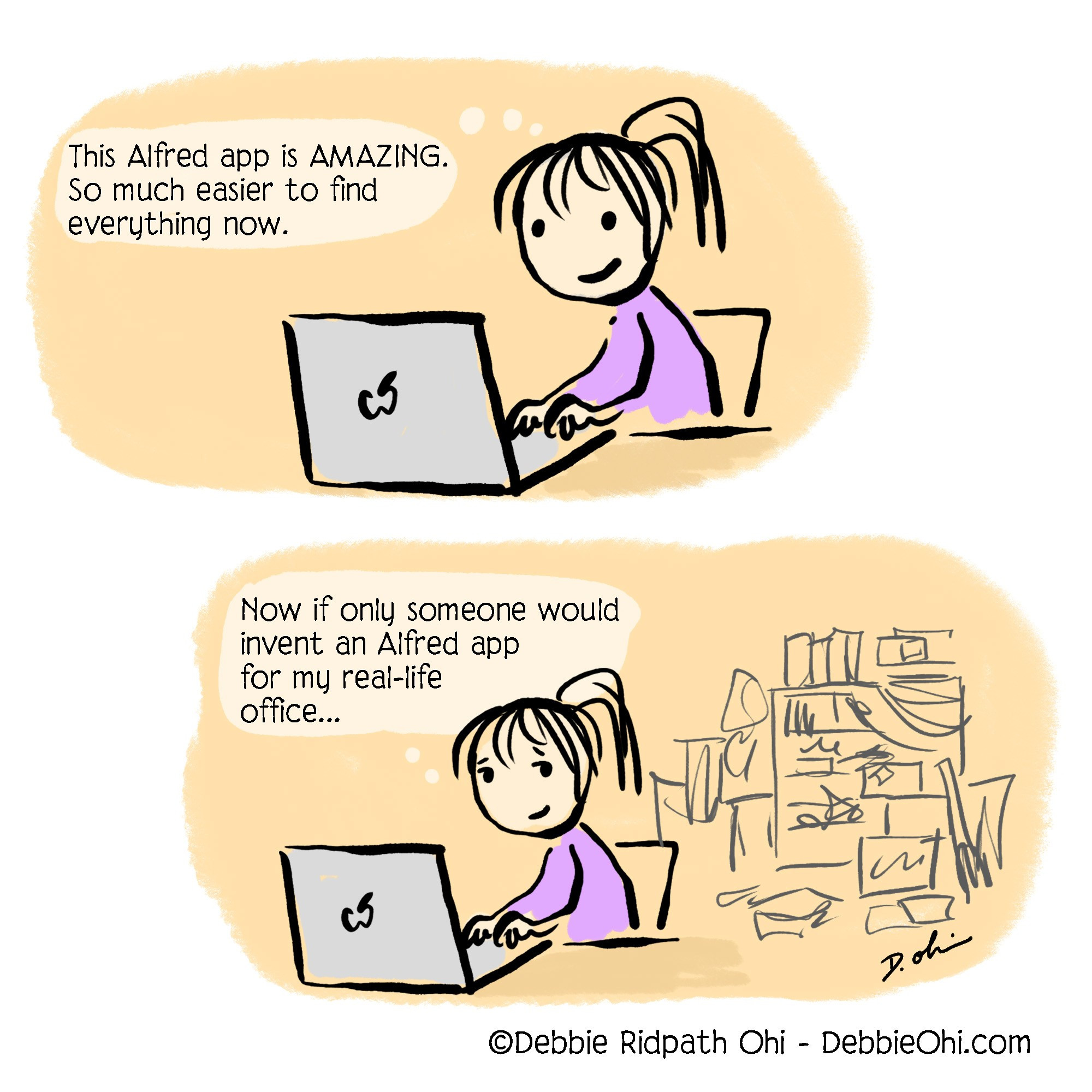

A few days ago, David Sparks, also known as MacSparky and the creator of the Mac Power Users Podcast, released his Alfred Field Guide.
David has been a lifelong Mac user, and Alfred community member since the early days. As a result, his Alfred Field Guide provides an in-depth look at Alfred's features and workflows in bite-sized, well-paced videos, perfect both for new Alfred users and experienced folks looking to pick up new tips and tricks!
The course also takes a closer look at 36 individual workflows David recommends; You're bound to find some workflows you love and want to add to your own daily use. You'll also find interviews with other Alfred Power Users, and a short interview with our team towards the end of the guide.
As well as publishing this Field Guide, David chats about Alfred with his Mac Power Users podcast co-host Stephen Hackett in their most recent episode "796: The Alfred Field Guide".
Fancy discovering a wealth of tips and tricks about Alfred from experienced community members? Use the discount code HOORAYALFRED to get 10% off the MacSparky Alfred Field Guide until the end of May '25.

